
Key Highlights
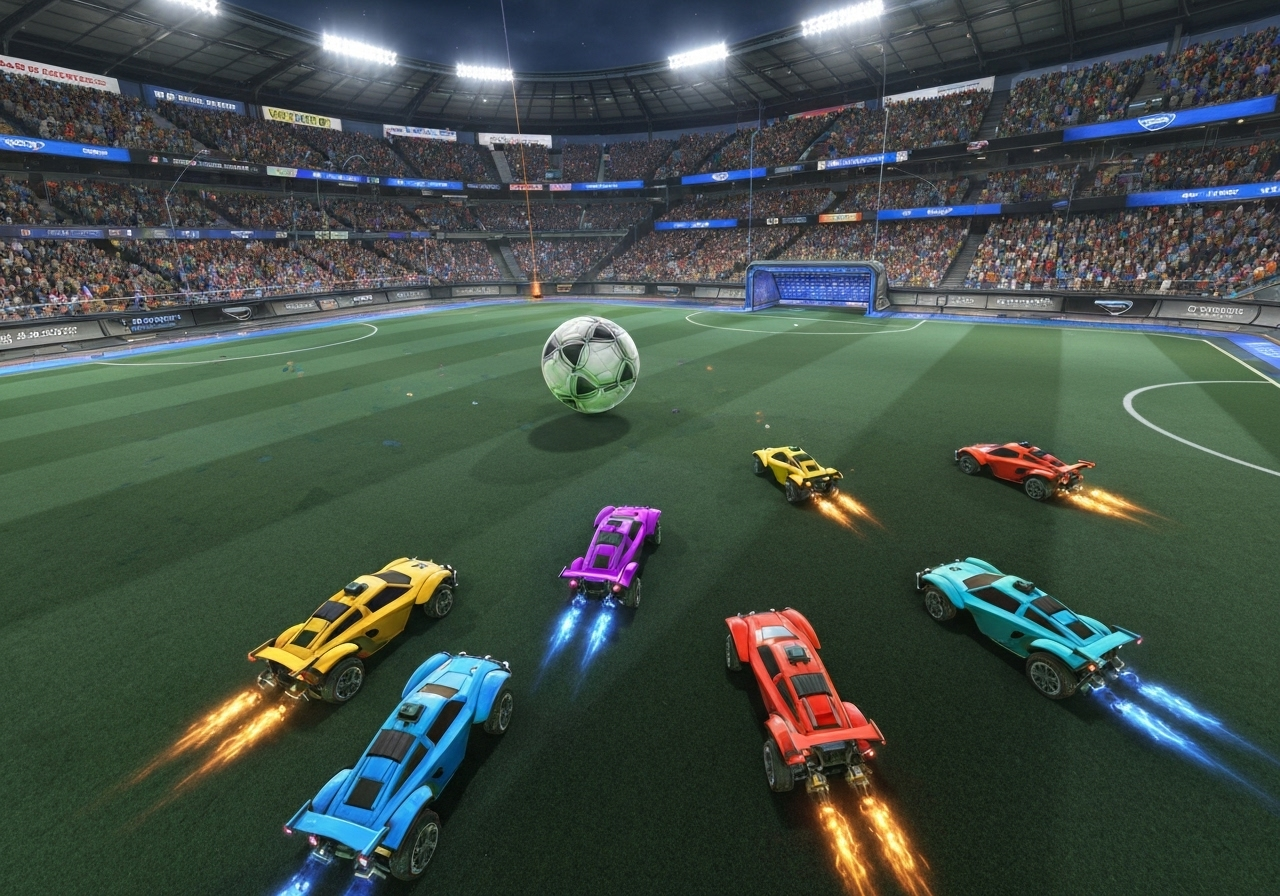
- Discover Rocket League, a unique video game combining high-speed cars with soccer-style gameplay for thrilling vehicular mayhem.
- Mastering fundamental car control and ball-handling techniques is the first step toward improving your performance.
- Optimizing your camera and controller settings can give you a significant competitive advantage on the field. Explore various game modes beyond the standard matches and complete challenges to enhance your skills. Rocket League remains fun to play in 2024 thanks to frequent updates, a vibrant community, and diverse ways to compete and improve, making it enjoyable for both new and veteran players.
- Explore various game modes beyond the standard matches and complete challenges to enhance your skills.
- Joining active communities and participating in competitive tournaments can help you climb the competitive ranks.
- Engage with the seasonal Rocket Pass to unlock new cars and exclusive customization items.
Introduction
Welcome to the high-octane world of Rocket League, the popular video game from developer Psyonix that puts you in the driver’s seat of a rocket-powered car. Often described as «soccer with cars,» the gameplay is simple to understand but challenging to master. You and your team will face off against opponents in an arena, using your car to hit a giant ball into the enemy’s goal. This guide provides essential tips to help you navigate the thrilling vehicular mayhem and elevate your game. **Master Rocket League: Tips to Elevate Your Game****Understanding the Basics**
Before diving into advanced strategies, it’s crucial to grasp the essential mechanics of Rocket League. Familiarize yourself with the controls—boosting, jumping, and flipping are your primary weapons on the field. Spend time in free play mode to develop your car’s responsiveness and control. Understanding how to maneuver effectively while maintaining ball awareness is vital for making impactful plays.
**Car Control & Ball Handling**
The heart of Rocket League lies in precise car control and effective ball handling.
Essential Tips to Elevate Your Rocket League Gameplay
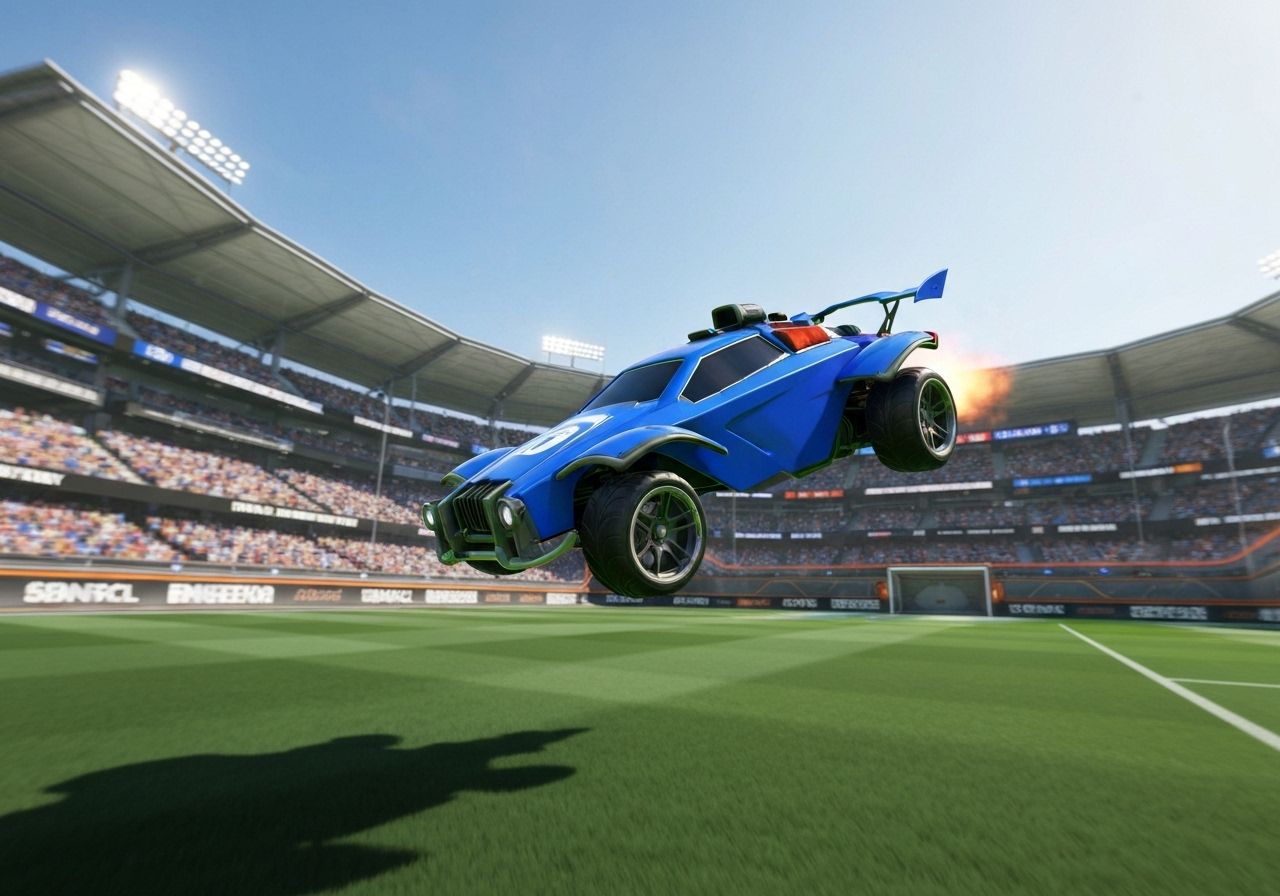
Are you looking to move beyond casual play and start climbing the competitive ranks? While the fast-paced vehicular mayhem is fun for everyone, reaching higher tiers requires dedication and strategic practice. You need to focus on refining your core skills, understanding game mechanics, and working effectively with your teammates. The journey from a new player to a seasoned veteran is filled with exciting challenges.
To further improve your Rocket League gameplay, consider joining or following Rocket League streams on Twitch. Simply visit twitch.tv and use the search bar to find ‘Rocket League’ streams. You can follow your favorite streamers by clicking the ‘Follow’ button, which will notify you when they go live and help you stay up to date with top-level strategies and community insights.
This section will guide you through the most effective strategies to improve your performance. We will cover everything from mastering your car’s movement and handling the ball to fine-tuning your settings for optimal precision. You will also learn about exploring different game modes to complete challenges and the benefits of joining the wider Rocket League community.
1. Master Car Control and Ball Handling Techniques
Your ability to control your car is the single most important skill in Rocket League. Without precise handling, it’s impossible to consistently hit the ball, defend your goal, or execute advanced maneuvers. The unique physics-based gameplay means every movement, from a simple turn to a complex aerial flight, requires practice and muscle memory. This control is the foundation upon which all other skills are built.
To improve, you should dedicate time to practicing specific techniques in Free Play or against computer-controlled opponents. Focus on a few key areas to see a noticeable difference in your gameplay:
- Strategic Boost Management: Learn to efficiently collect and use boost pads to maintain speed and outmaneuver opponents.
- Basic Aerials: Practice jumping and boosting simultaneously to hit the ball while it’s in the air.
- Dribbling and Ball Carrying: Work on keeping the ball on top of your car to maintain possession and set up shots.
Mastering these skills is your ticket to climbing the competitive ranks. Consistent practice will build your confidence, improve your reflexes, and allow you to react faster and more effectively during the intense vehicular mayhem of a live match.
2. Optimize Camera and Controller Settings for Precision
Did you know that the default game settings might be holding you back? Many professional players customize their camera and controller settings to gain better awareness of the field and more responsive control over their car. Adjusting these options allows you to see more of the action and react with greater precision, which is crucial in fast-paced gameplay.
Experimenting with different values is key, but you can start with some common recommendations used by high-level players. These settings can provide a wider field of view and reduce input lag. Consider these adjustments as a starting point for your own custom configuration.
|
Setting |
Recommendation |
|---|---|
|
Camera Shake |
Off |
|
Field of View (FOV) |
105 – 110 |
|
Camera Distance |
260 – 280 |
|
Controller Deadzone |
0.05 – 0.10 |
Ultimately, the perfect settings are a matter of personal preference. After you download the game and play a few matches, take some time to tweak these options in the settings menu. Find a configuration that feels comfortable and gives you the best possible view and control, as this will significantly enhance your gameplay.
3. Explore Unique Game Modes and Join Active Communities
While the standard 3v3 mode is the heart of competitive Rocket League, exploring other game modes can be both fun and beneficial for your skill development. These «Extra Modes» present unique physics and objectives that force you to adapt your playstyle, improving your overall car control and strategic thinking. They also offer a great way to complete challenges and earn rewards.
Venturing outside of standard matchmaking can refresh your experience and teach you new skills. To mix things up and sharpen different aspects of your game, try these activities:
- Extra Game Modes: Jump into Hoops (basketball), Snow Day (hockey), or Dropshot to practice aerials and positioning in new ways.
- In-Game Tournaments: Participate in free daily competitive tournaments to experience a structured competitive environment.
- Solo Practice: Play against computer-controlled bots to work on specific mechanics without the pressure of a ranked match.
Engaging with the broader Rocket League community is another fantastic way to improve. Teaming up with others helps you practice communication and teamwork, which are vital for climbing the competitive ranks. Joining forums or online groups can connect you with players who can offer advice and help you become a better teammate.
Conclusion
In conclusion, mastering Rocket League requires a blend of skill, strategy, and community engagement. By focusing on key areas such as car control, optimizing your settings, and exploring different game modes, you can significantly enhance your gameplay and enjoy the experience even more. Don’t forget that practice is essential; the more you play, the more you will learn from each match. Join active communities to share tips and tricks, which can further elevate your skills. Ready to take your Rocket League journey to the next level? Sign up for our exclusive coaching sessions to refine your skills and become the player you’ve always wanted to be!
Frequently Asked Questions
1. What platforms can I play Rocket League on in the United States?
Rocket League is a cross-platform video game available on most major systems. You can download and play it on PlayStation 4, PlayStation 5, Xbox One, Xbox Series X|S, Nintendo Switch, and PC through the Epic Games Store.
2. How do I download and start playing Rocket League for free?
To start playing, you first need to download and install the Epic Games Launcher on your PC or console. Once installed, simply search for the Rocket League video game within the launcher and download it. The game is free to play.
3. Where can I track my Rocket League stats and leaderboards?
You can track your progress directly within the game. Your competitive ranks and division status are updated after every ranked match you play. This in-game system serves as the primary leaderboard, showing you how you stack up as your gameplay improves.