Key Highlights
Here are the key takeaways on why the AMD Ryzen 9 5900X is a powerhouse for demanding tasks:
- Exceptional Multitasking: This CPU comes equipped with 12 cores and 24 threads, making it ideal for running multiple applications simultaneously.
- High-Speed Processing: A massive 64 MB L3 cache significantly speeds up data access for both gaming and professional software.
- Efficient Architecture: Built on the Zen 3 architecture, it provides excellent performance without drawing excessive power.
- Automatic Overclocking: Precision Boost 2 technology pushes the CPU up to 4.8 GHz for a performance uplift when you need it most.
- Future-Ready Features: Support for PCIe 4.0 ensures you can use the latest high-speed NVMe SSDs and graphics cards.
Introduction
Are you searching for a processor that can handle intense gaming sessions and heavy professional workloads without breaking a sweat? The AMD Ryzen 9 5900X might be the perfect CPU for your desktop build. Even a few years after its release, this processor continues to deliver incredible performance, making it a popular choice for enthusiasts and creators. It strikes an impressive balance between raw power for demanding applications and the speed needed for a smooth, high-end gaming experience.
Understanding the Ryzen 9 5900X
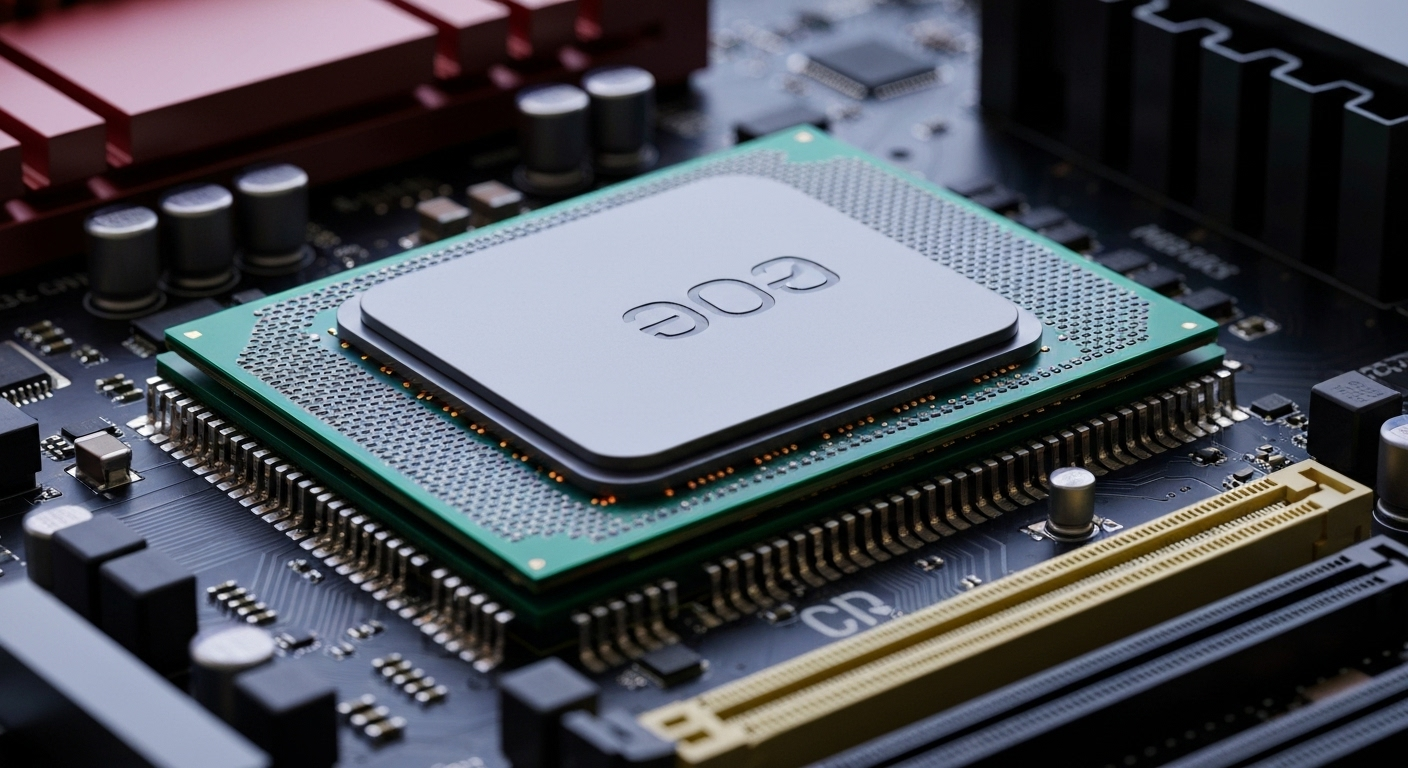
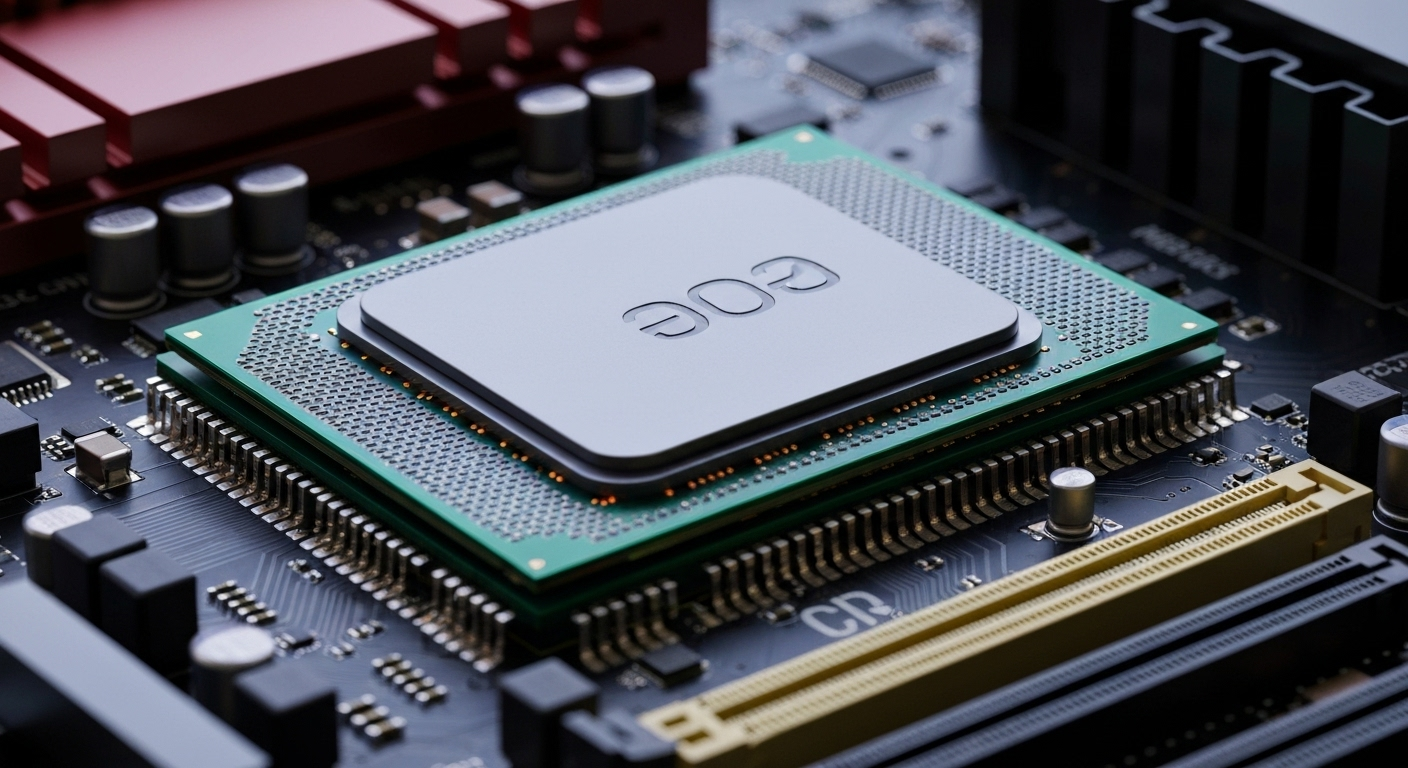
The AMD Ryzen 9 5900X is a high-performance desktop processor from AMD’s celebrated Ryzen 5000 series. Built on the revolutionary Zen 3 architecture, this CPU was designed to deliver a significant leap in performance over previous generations.
It represents a powerful option within the AMD Ryzen family, offering an impressive number of cores and high clock speeds. This makes it a versatile choice for anyone needing a CPU that excels at more than just a single task. We’ll explore its architecture and market standing next.
Overview of the Zen 3 Architecture
At the heart of the Ryzen 9 5900X is the Zen 3 architecture, codenamed «Vermeer.» This design was a major step forward for AMD, focusing on improving instructions per clock (IPC), which means the CPU can do more work in each cycle. This core enhancement is a key reason for its lasting performance.
The architecture is manufactured using TSMC’s 7nm process, a technology that allows for a dense arrangement of transistors. This results in fantastic power efficiency, so you get top-tier performance without generating excessive heat or consuming enormous amounts of electricity. This efficiency is crucial for keeping your system cool and stable during intense workloads.
Ultimately, the Zen 3 architecture ensures that all 12 cores of the 5900X work together seamlessly. This unified design minimizes latency and provides faster access to the large cache, directly benefiting tasks like gaming, rendering, and even AI-driven applications.
Release Year and Market Position
The AMD Ryzen 9 5900X was launched in November 2020, making a huge impact on the desktop processor market. Upon its arrival, it was hailed for its exceptional multi-threaded performance, challenging competitors and setting a new standard for consumer-grade CPUs.
Even years later, the 5900X maintains a strong market position. Its combination of high core count and reasonable pricing makes it a go-to choice for builders who want workstation-level power without paying the premium for the absolute latest technology. It remains a popular OEM and retail processor.
Its continued relevance is a testament to its powerful design. For users on the AM4 platform, it represents one of the most potent upgrade options available, offering a massive performance boost for both productivity and gaming.
Core Features That Enable Heavy Workloads
What gives the Ryzen 9 5900X its muscle for heavy workloads? The answer lies in its core specifications. This CPU is not just about a high model number; its features are specifically geared toward handling complex and parallel tasks with ease.
With an impressive 12 cores and 24 threads thanks to Simultaneous Multithreading (SMT), this processor is built for true multitasking. These key features are the foundation of its power, which we will examine more closely.
Cores and Threads Explained
The AMD Ryzen 9 5900X features 12 physical cores. Think of each core as an individual processor capable of handling its own set of instructions. For tasks that can be broken down into smaller pieces, like video rendering or running complex simulations, having more cores means the work gets done much faster.
This CPU also utilizes Simultaneous Multithreading (SMT), which allows each physical core to manage two processing threads at once. This gives you a total of 24 threads. This feature is a game-changer for heavy multitasking, as it helps ensure the CPU is always working on something, maximizing its efficiency.
Imagine you’re streaming a game while also running other applications in the background. The high number of cores and threads allows your PC to distribute these tasks effectively, preventing slowdowns and ensuring a smooth experience for both you and your viewers.
Maximum Boost Clock and Performance
While its base clock speed is a solid 3.7 GHz, the Ryzen 9 5900X can automatically increase its speed up to a max of 4.8 GHz. This capability is managed by AMD’s Precision Boost 2 technology, which intelligently analyzes your system’s temperature and power draw to provide the best possible performance at any given moment.
This boost is especially beneficial for applications that rely on single-core speed, such as many games and lightly threaded productivity tasks. When a program needs a quick burst of speed, the CPU can ramp up a single core to its maximum frequency, delivering snappy and responsive performance.
This dynamic overclocking means you get the best of both worlds: high efficiency during light use and maximum power when you launch a demanding application. This smart performance management is a key reason why the 5900X CPU remains so versatile.
Technical Specifications at a Glance
Looking at the raw numbers, the AMD Ryzen 9 5900X specifications are impressive. Beyond its cores and clock speed, it boasts a massive 64MB of L3 cache, which acts as a high-speed data reservoir for the CPU, reducing the time it takes to access frequently used information.
It’s important to note this CPU does not include integrated graphics, so you will need a separate, discrete GPU for your desktop to display an image. With a TDP of 105 watts, it balances high performance with manageable power needs. Let’s examine what these ratings mean for your build.
Power Consumption and TDP Ratings
The Ryzen 9 5900X has a Thermal Design Power (TDP) rating of 105 watts. This figure represents the maximum amount of heat the processor is expected to generate under a typical heavy workload, which your cooling system needs to dissipate. For a 12-core CPU, 105W is a relatively modest power consumption figure.
This efficiency is a direct result of the 7nm Zen 3 architecture. It allows the processor to deliver top-tier performance without demanding an excessive amount of power, which helps keep your energy bills lower and your system running cooler.
However, you’ll still need a capable cooling solution and a quality power supply to ensure stability, especially if you plan on pushing the CPU. A 105W TDP means you should plan your build accordingly to get the most out of your processor without it overheating.
Supported Memory Types and Channels
The Ryzen 9 5900X supports DDR4 memory, which remains a cost-effective and widely available RAM type. The processor officially supports speeds up to 3200MT/s, but it pairs exceptionally well with faster kits, such as DDR4-3600, which is often considered the «sweet spot» for performance on the Zen 3 platform.
This CPU operates with a dual-channel memory configuration. This means you should always install RAM in pairs (e.g., two or four modules) to enable double the data transfer bandwidth between the memory and the CPU, which is crucial for maximizing performance.
While it doesn’t support the newer DDR5 standard, DDR4 offers excellent performance for the vast majority of gaming and productivity tasks. The lower cost of high-quality DDR4 kits makes building a powerful system around the 5900X more affordable.
Comparing Ryzen 9 5900X with Other Ryzen CPUs
How does the Ryzen 9 5900X fit within the broader AMD family? As a flagship of the Ryzen 5000 generation, it delivered a massive performance uplift over its predecessors. However, AMD has since released newer generations of processors, which raises questions about its current standing.
When considering an upgrade or a new desktop build, it’s helpful to see how this CPU compares to other Ryzen options. Whether for a gaming PC or a professional workstation, understanding its relative performance is key to making an informed decision.
Desktop vs. Workstation Use Cases
The Ryzen 9 5900X is a unique CPU that blurs the line between a high-end desktop processor and a light workstation component. For general desktop use, its high clock speeds and ample cores ensure a fast, responsive system that can handle anything you throw at it.
In a workstation context, its 12 cores and 24 threads truly shine. It excels at tasks that can leverage parallel processing, making it a budget-friendly choice for professionals who need serious computing power without investing in a dedicated Threadripper platform.
Here’s how it stacks up for different uses:
- Gaming Desktop: Provides excellent FPS in modern games, especially when paired with a powerful GPU.
- Content Creation Workstation: Drastically reduces rendering times in video editing and 3D modeling software compared to 6- or 8-core CPUs.
- Multitasking Powerhouse: Easily handles streaming, recording, and gaming all at once without performance drops.
Performance Differences Across Ryzen Generations
When compared to its predecessors, like the Ryzen 3000 series, the 5900X offers a significant performance increase thanks to the architectural improvements of Zen 3. This makes it a very compelling upgrade for anyone on an older AM4 motherboard.
Compared to newer Ryzen generations, such as the Ryzen 7000 series, the 5900X does fall behind in single-threaded performance and lacks support for newer technologies like DDR5 and PCIe 5.0. For example, some benchmarks show the gaming-focused Ryzen 7 5800X3D can be up to 15% faster than the 5900X in certain games due to its 3D V-Cache.
However, the 5900X holds its own in multi-threaded benchmarks, often competing closely with newer 8-core CPUs. Its value proposition is strong, offering 12 cores for a price that is often lower than newer 8-core models, making it a great choice for budget-conscious creators.
Competitor Analysis: Is Ryzen 9 5900X Still Relevant?
In a market filled with powerful options from both AMD and Intel, is the Ryzen 9 5900X still a relevant choice? While newer CPUs boast higher clock speeds and more advanced features, the 5900X continues to hold a unique position due to its blend of high core count and competitive pricing.
Its relevance depends heavily on your specific needs and budget. For those who prioritize multi-threaded performance for productivity, the 5900X often presents a better value than many newer or competing processors. Let’s see how it compares.
How Does It Stack Up Against Intel’s Flagship CPUs?
When compared to competing Intel CPUs from a similar era or even slightly newer models like the Core i7-13700K, the Ryzen 9 5900X presents an interesting comparison. Intel often leads in raw single-threaded performance, which can give it an edge in some gaming scenarios.
However, the 5900X’s strength lies in its multi-threaded efficiency and lower power draw. It delivers formidable performance in rendering and compiling tasks while typically consuming less power than its direct Intel competitors.
Here’s a quick breakdown of the trade-offs:
- Intel Core i7-13700K: Offers about 15% better single-threaded performance but has a higher TDP of 125W and a higher price point.
- AMD Ryzen 9 5900X: Excels in multi-threaded tasks with a lower TDP of 105W, offering great performance-per-watt.
- Platform Cost: A 5900X build can be more affordable due to the lower cost of AM4 motherboards and DDR4 RAM.
Value Proposition Compared to Newer Ryzen Models
One of the strongest arguments for the Ryzen 9 5900X today is its incredible value. While new Ryzen models on the AM5 platform offer benefits like DDR5 and PCIe 5.0, they also require a more significant investment in a new motherboard and memory. The total platform cost can be substantially higher.
The 5900X, with its current pricing, offers an unbeatable price-to-performance ratio for multi-threaded workloads. You get a great CPU with 12 cores for often less than the price of a modern 8-core processor, like the Ryzen 7 7700X. This makes it an attractive choice for anyone looking to maximize their processing power on a budget.
If you are building a new PC and need maximum cores for content creation or scientific computing without overspending, the 5900X is a fantastic option. It’s also the perfect final upgrade for anyone already on the AM4 platform.
Motherboard Compatibility
Choosing the right motherboard is crucial for unlocking the full potential of your Ryzen 9 5900X. This processor uses the long-standing AM4 socket, which gives you a wide range of motherboard options across various price points. However, not every AM4 board is created equal.
You’ll need to ensure the motherboard’s chipset and power delivery system are up to the task of handling a 12-core CPU. In many cases, a simple BIOS update is all that’s needed to ensure compatibility with older boards. Let’s look at the specifics.
AM4 Socket Requirements
The Ryzen 9 5900X is designed for the AM4 socket, which has been AMD’s mainstream desktop platform since 2017. This long lifespan is a huge advantage, as it means there is a massive selection of compatible motherboards available, from budget-friendly options to high-end enthusiast boards.
If you are upgrading from an older Ryzen CPU on an existing AM4 motherboard, the 5900X could be a drop-in replacement. However, you must verify compatibility with your motherboard manufacturer (MB). Most will require a BIOS update to recognize the 5000 series processors.
Look for a BIOS version based on AGESA 1.2.0.7 or a later revision to ensure full support and stability. This wide compatibility makes the 5900X an excellent and cost-effective upgrade path for millions of PC users.
Chipset Considerations for Maximum Performance
To get the most out of your Ryzen 9 5900X, you need to pair it with a suitable chipset. The motherboard chipset determines features like PCIe 4.0 support, overclocking capabilities, and the number of available USB ports. For a high-performance CPU like the 5900X, a B550 or X570 chipset is highly recommended.
An X570 board offers the most features, including PCIe 4.0 support for both the GPU and multiple NVMe drives. A B550 board is often the best choice for most users, offering PCIe 4.0 for the primary GPU and one NVMe drive at a more affordable price. A520 chipsets will work but lack overclocking support and PCIe 4.0, which could limit performance.
It’s also critical to choose a motherboard with a strong Voltage Regulator Module (VRM), as this ensures stable power delivery to the 12-core CPU, especially under heavy load.
|
Chipset |
PCIe 4.0 Support |
Overclocking |
Ideal Use Case |
|---|---|---|---|
|
X570 |
Full (GPU & NVMe) |
Yes |
Enthusiasts and workstations |
|
B550 |
Partial (GPU & one NVMe) |
Yes |
Mainstream gaming and content creation |
|
A520 |
No |
No |
Budget builds, not recommended for 5900X |
Gaming vs. Professional Workloads
The Ryzen 9 5900X is a true jack-of-all-trades, demonstrating impressive capabilities in both gaming and professional workloads. Its high clock speeds make it a strong contender for achieving high frame rates in the latest titles, satisfying the needs of serious gamers.
At the same time, its high core and thread count provide the raw horsepower needed for demanding productivity tasks. This dual-threat capability makes it an ideal choice for users who use their desktop PC for both work and play, as we’ll explore in detail.
Benefits in High-End Gaming Scenarios
In the world of gaming, the Ryzen 9 5900X remains a highly capable CPU. Its strong single-threaded performance, driven by the Zen 3 architecture and high boost clocks, ensures high FPS in most modern games. When paired with a powerful graphics card like a GeForce RTX 4070, it can deliver a smooth, high-fidelity experience.
For example, in a demanding title like Cyberpunk 2077 at 1080p Ultra settings, you can expect to see frame rates well over 90 FPS. This level of performance is more than enough for the vast majority of gamers who want a fluid and responsive experience.
While specialized gaming CPUs with AMD’s 3D V-Cache might pull ahead in certain titles, the 5900X provides a fantastic all-around gaming experience. Its extra cores also provide a buffer for background tasks, ensuring your game isn’t interrupted by other processes.
Strengths in Productivity and Content Creation
This is where the Ryzen 9 5900X truly excels. For productivity and content creation, having more cores is almost always better, and this CPU’s 12 cores and 24 threads are a massive asset. Tasks like video editing, 3D rendering, and software compilation see a dramatic reduction in completion time.
For instance, rendering a project in Adobe Premiere Pro can be up to twice as fast on the 5900X compared to a 6-core processor. This time savings is invaluable for creative professionals who are working against tight deadlines. The large L3 cache and ample RAM support also help when working with large files and complex timelines.
Whether you’re an artist, an engineer, or a data scientist, the parallel processing power of this CPU can significantly boost your productivity, making it a smart investment for any professional workstation.
Popular Usage Scenarios
So, who is the Ryzen 9 5900X really for? Its unique combination of features makes it a perfect fit for several specific types of users. Power users who demand strong performance across a variety of applications will find this CPU to be an excellent choice.
From creative professionals who spend their days in demanding software to scientists running complex simulations, the 5900X provides the necessary horsepower. Let’s dig into a couple of these popular usage scenarios.
Creative Professionals: Video Editing and Rendering
For creative professionals in video editing and 3D rendering, time is money. The Ryzen 9 5900X is a powerful ally in this field, as its 12 cores can tear through rendering tasks that would leave lesser CPUs struggling for hours. This means faster project turnarounds and more time for creative work.
When editing high-resolution video, the CPU’s multi-threaded performance ensures a smooth timeline and quick exports. Paired with a capable GPU, the 5900X can handle complex effects and color grades without bogging down your system, making the entire content creation process more fluid.
While it’s a fantastic CPU for most video work, it’s worth noting that for extremely demanding workflows, like editing 4K ProRes RAW files, a newer platform with DDR5 memory and PCIe 5.0 storage might offer additional benefits.
Scientific Computing and Data Analysis
In the fields of scientific computing and data analysis, many applications are designed to take advantage of as many processor threads as possible. The 24 threads of the Ryzen 9 5900X make it an excellent tool for running complex simulations, compiling large datasets, and performing statistical analysis.
The processor’s high-performance cores can significantly reduce the time needed to run computations, accelerating research and development. Its strong performance-per-dollar makes it a cost-effective option for building a personal workstation for scientific or AI-related tasks.
By providing this level of computing power in a mainstream desktop platform, the 5900X allows researchers and data scientists to tackle complex problems without needing to invest in more expensive, specialized hardware.
Buying and Building Tips
Ready to build a system with the Ryzen 9 5900X or upgrade your current PC? Making the right choices for accompanying hardware is key to getting the best performance. From the power supply to the cooler, every component plays a role in the stability and speed of your system.
Whether you are buying a pre-built machine from a system manufacturer or building it yourself, a few tips can help you create a balanced and powerful setup. Let’s go over some recommendations for purchasing and assembling your new PC.
Where to Purchase Online Safely
You can purchase the AMD Ryzen 9 5900X from major online retailers and computer hardware stores. Given its age, you can often find it at a competitive price, typically in the $300-350 USD range, which represents excellent value for a 12-core processor.
When buying online, it’s important to stick to reputable sellers to avoid counterfeit products or receiving used hardware sold as new. Check seller ratings and return policies before making a purchase.
To ensure a safe purchase, follow these tips:
- Buy from Authorized Retailers: Purchase from well-known online stores that are authorized AMD dealers.
- Check for Factory Seals: When the CPU arrives, ensure the packaging has its original factory seal intact.
- Be Wary of «Too Good to Be True» Pricing: Extremely low prices can be a red flag for scams or fraudulent products.
Recommended Cooling and Power Supply Setups
To keep the 105W TDP of the Ryzen 9 5900X in check, a robust cooling solution is not just recommended—it’s essential. A stock or small aftermarket cooler will likely lead to thermal throttling, where the CPU reduces its speed to prevent overheating. Consider a high-end air cooler like the Noctua NH-D15 or a 280mm All-in-One (AIO) liquid cooler like the Arctic Liquid Freezer II.
For the power supply, stability is key. A minimum of a 650W unit with an 80+ Gold rating is recommended. However, to provide headroom for a powerful GPU and future upgrades, opting for a 750W or 850W power supply is a wise choice.
A quality power supply from a reputable system manufacturer ensures clean and stable power delivery, which is critical for the longevity and performance of all your components, especially a high-performance CPU.
Conclusion
In summary, the Ryzen 9 5900X stands out as a powerhouse for handling heavy workloads, thanks to its impressive core count, high boost clock speeds, and efficient architecture. Whether you’re engaged in high-end gaming or demanding professional tasks like video editing and scientific computing, this processor delivers the performance you need. Its compatibility with various AM4 motherboards and support for advanced memory types further enhances its appeal, making it a versatile choice for both gamers and content creators alike. If you’re ready to elevate your productivity and gaming experience, consider investing in the Ryzen 9 5900X and unlock its full potential. For expert guidance on maximizing your setup, don’t hesitate to reach out for a consultation!
Frequently Asked Questions
What makes the Ryzen 9 5900X suitable for heavy workloads?
The Ryzen 9 5900X excels at heavy workloads due to its powerful Zen 3 architecture, high core count of 12 cores and 24 threads, and large 64MB L3 cache. This combination allows the CPU to process many tasks in parallel, drastically speeding up rendering, compiling, and other demanding applications.
How many cores and threads does the Ryzen 9 5900X have?
The AMD Ryzen 9 5900X features 12 physical cores. Thanks to AMD’s Simultaneous Multithreading (SMT) technology, each core can handle two threads simultaneously, giving the processor a total of 24 threads. This makes it exceptionally good at multitasking and running multi-threaded software from any generation.
What type of motherboard is compatible with the Ryzen 9 5900X?
The Ryzen 9 5900X is compatible with motherboards that use the AM4 socket. For best performance, it is recommended to pair it with a motherboard based on the B550 or X570 chipset. You may need to perform a BIOS update on an older AM4 motherboard to ensure compatibility.